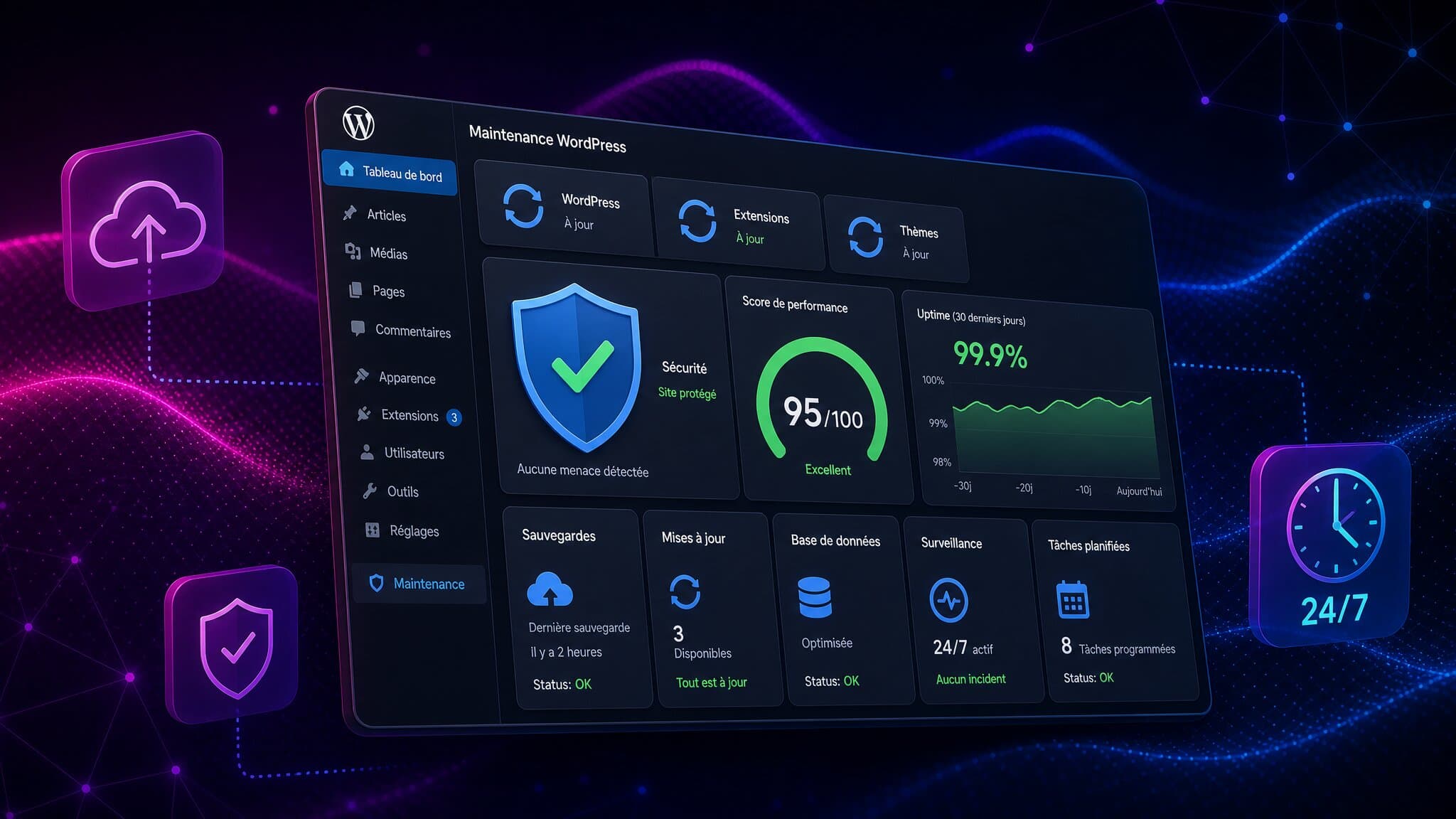
What maintenance should protect
Useful maintenance supports availability, data integrity and important user journeys. It does not guarantee freedom from attacks or Google rankings. Scope depends on use: a brochure site and a store processing orders every day face different consequences when something fails.
Start with an inventory of WordPress core, theme, plugins, licences, hosting, accounts and integrations. Identify an owner and the people to contact during an incident.
Separate five kinds of work
Updates cover WordPress, themes, plugins and compatible dependencies. Security includes access rights, authentication, monitoring and alert handling. Backups cover files and the database, with a restoration process.
Performance work needs measurements and identified actions on images, caching, queries or third-party services. Support and reporting explain completed work, unresolved issues and next steps. A new feature or redesign is not automatically part of maintenance.
Check restoration, not just whether a backup button exists
A hosting provider’s backup can be useful. Check its coverage, frequency, retention, storage location, access rights and restoration process. An independent copy can reduce some shared risks, depending on the architecture.
Test recovery and agree how much data loss and downtime the business can tolerate. For a store, a daily copy could omit orders placed since that copy. Choose the schedule from those consequences rather than a standard package.
Prioritize updates by risk
The WordPress hardening guide recommends keeping software updated and preparing backups. A critical vulnerability should not wait for a quarterly maintenance visit.
Test risky changes in staging where possible, then check forms, payments and integrations. An emergency may require an accelerated process with backup and rollback. Plugin count alone does not determine security: assess quality, necessity, support and interactions.
Compare scope and budget consistently
A one-off intervention serves a limited need. A prepaid hours package provides a work allowance. A recurring contract organizes ongoing work within defined scope. Ask what is included, what costs extra and what happens when planned capacity is used.
Align site count, environments, support hours, response arrangements, licences and improvements before comparing prices. Outsourcing is not always cheaper; include internal management time. A first-response target is not a guaranteed resolution time.
Ask for six kinds of evidence
A written scope, sample report, emergency process, restoration test, access and exit policy, and relevant references. The number of sites maintained does not by itself establish expertise with your configuration.
For Avada, Divi, Elementor or another builder, check licences and component compatibility. Test the actual pages, forms and mobile layouts rather than just whether an update installs successfully.
How Synerium fits
Full maintenance of an existing WordPress site must not be confused with a design subscription. We first qualify the site, access and work required. Eligible technical work under Infinity requires Ultimate or above and uses shared active capacity. Maintenance included in a Studio project follows its contractual scope.
Explore our WordPress maintenance expertise or discuss your site in a discovery call. Distinguish routine maintenance from a wider website redesign.


